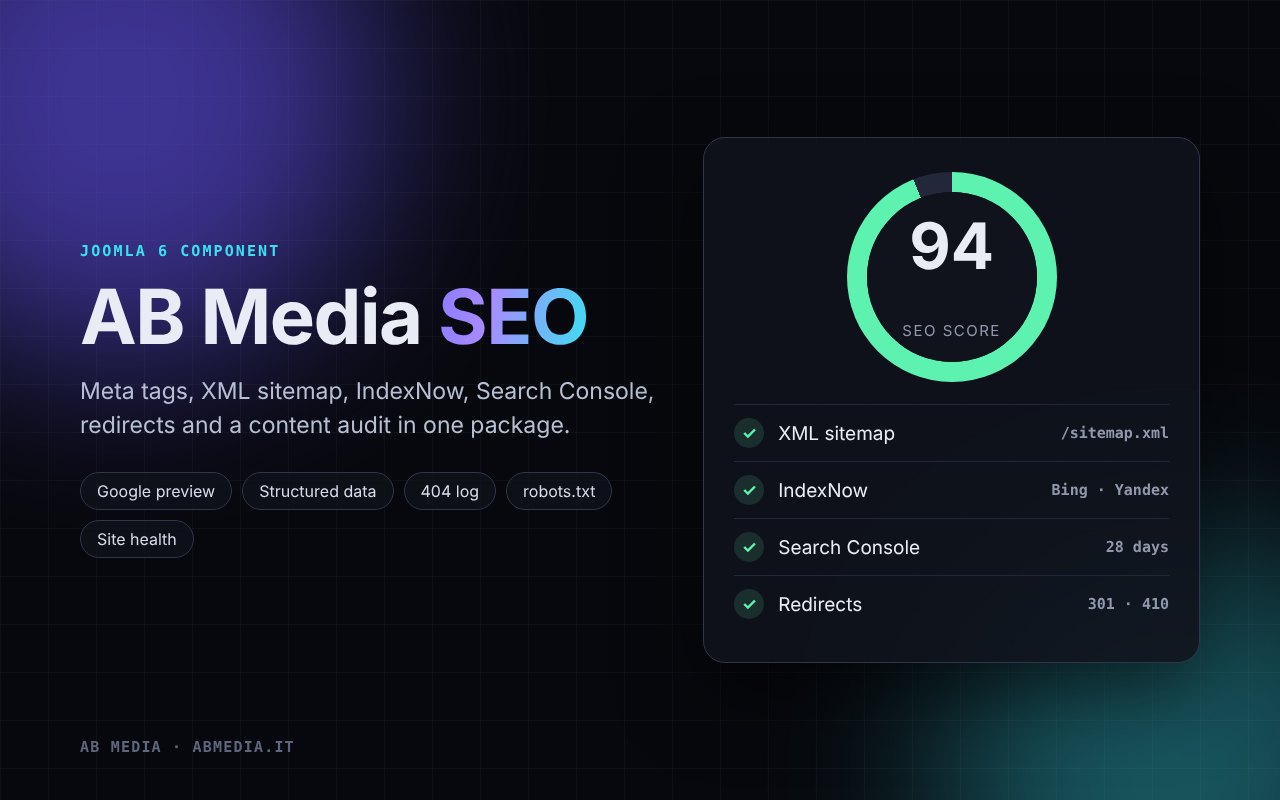
What you get
- SEO tab in articles, categories and menu items: title, description, focus keyword, social image, canonical, noindex and sitemap exclusion
- Google style preview with length bars and the SEO score of the article
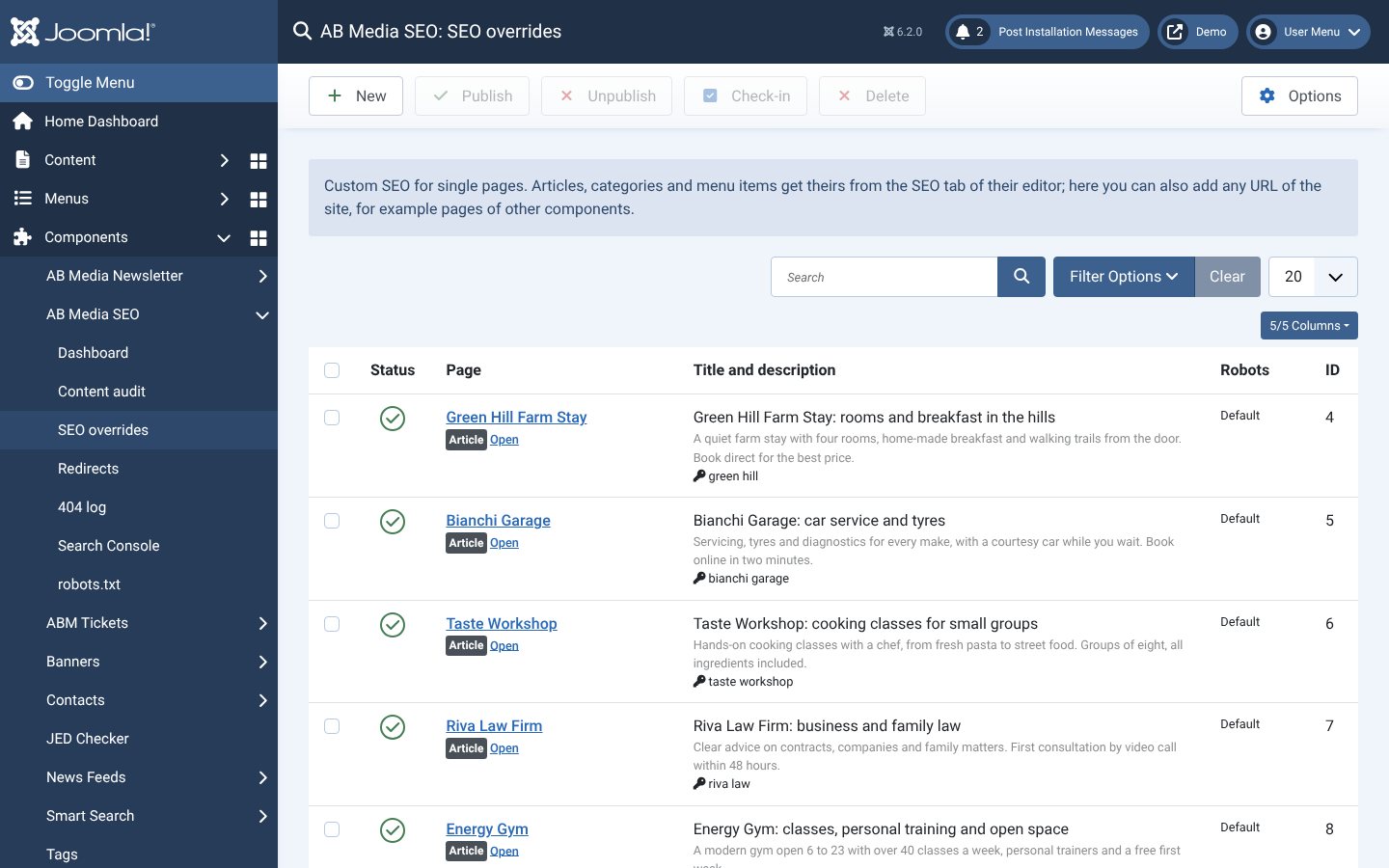
- Custom title and description for any URL, also for pages of other components
- Automatic meta tags: descriptions taken from the text when missing, canonical without tracking parameters, Open Graph and X cards, Google and Bing verification codes
- Structured data: organisation or local business, breadcrumbs and article
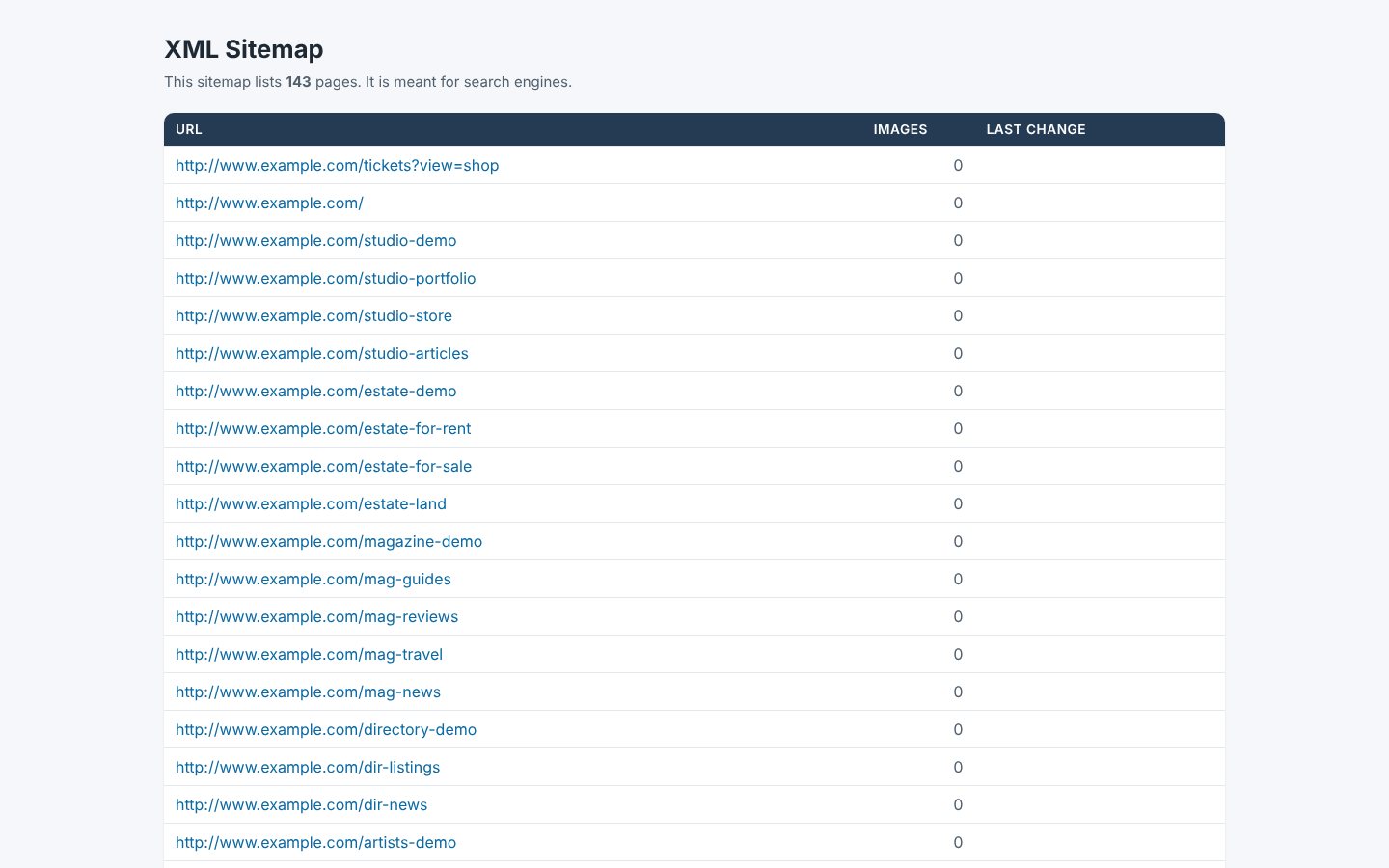
- XML sitemap at /sitemap.xml with menu items, articles and images, updated on every save and split in several files for big sites
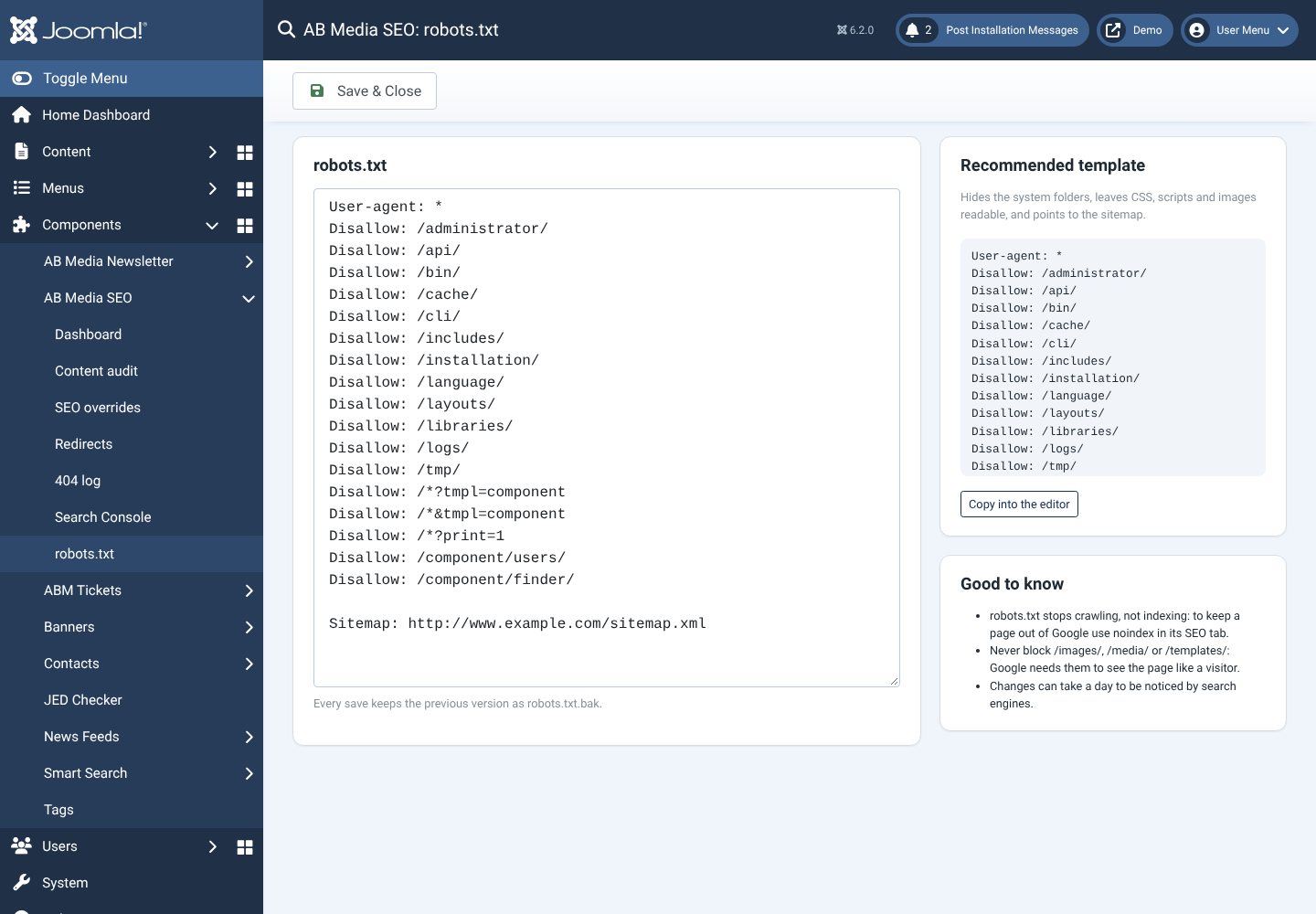
- robots.txt editable from the panel, with a recommended template
- IndexNow: Bing, Yandex and the other engines that use it are told about every new or changed page right away
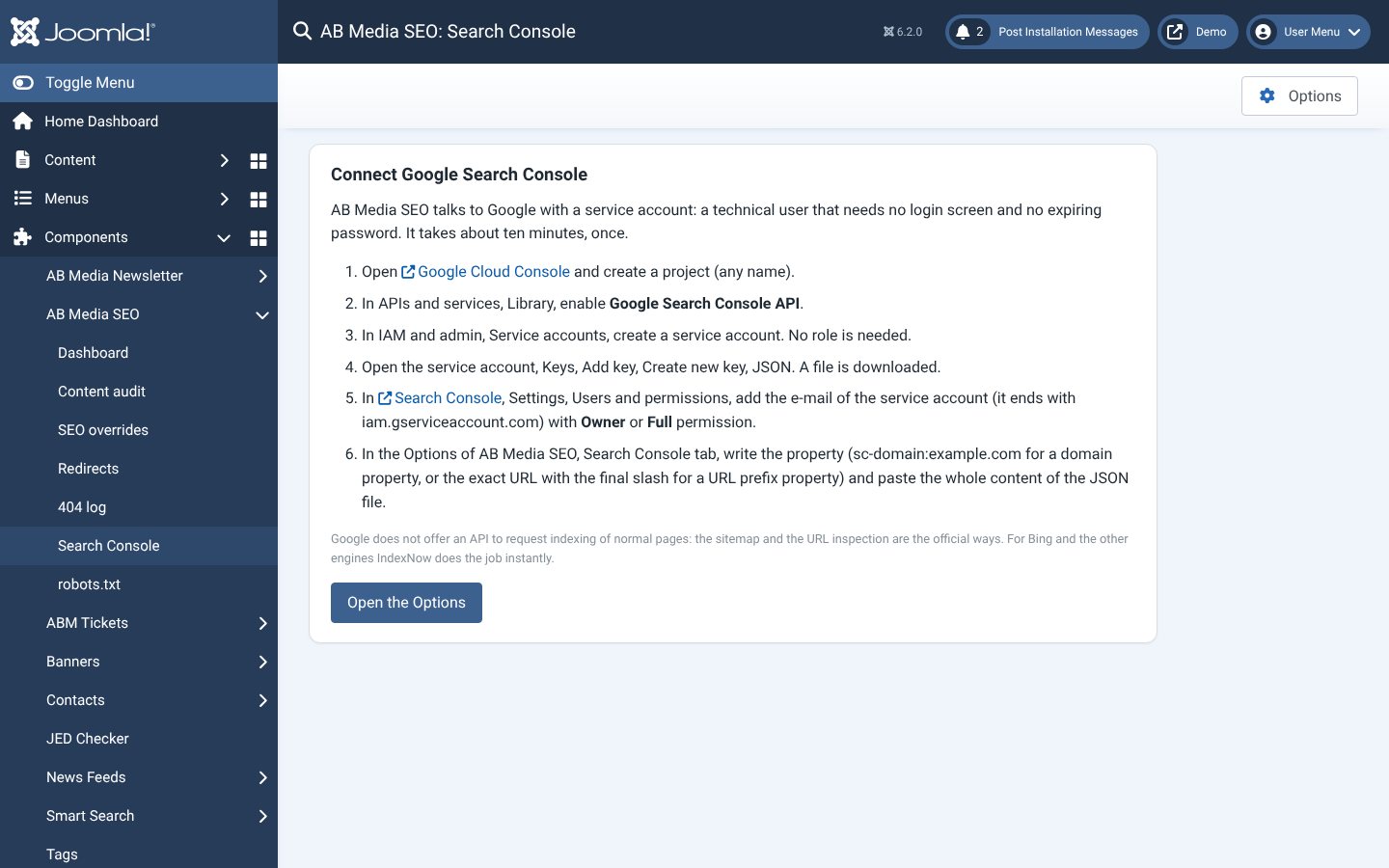
- Google Search Console: sitemap submission, clicks and queries of the last 28 days, index status of every URL
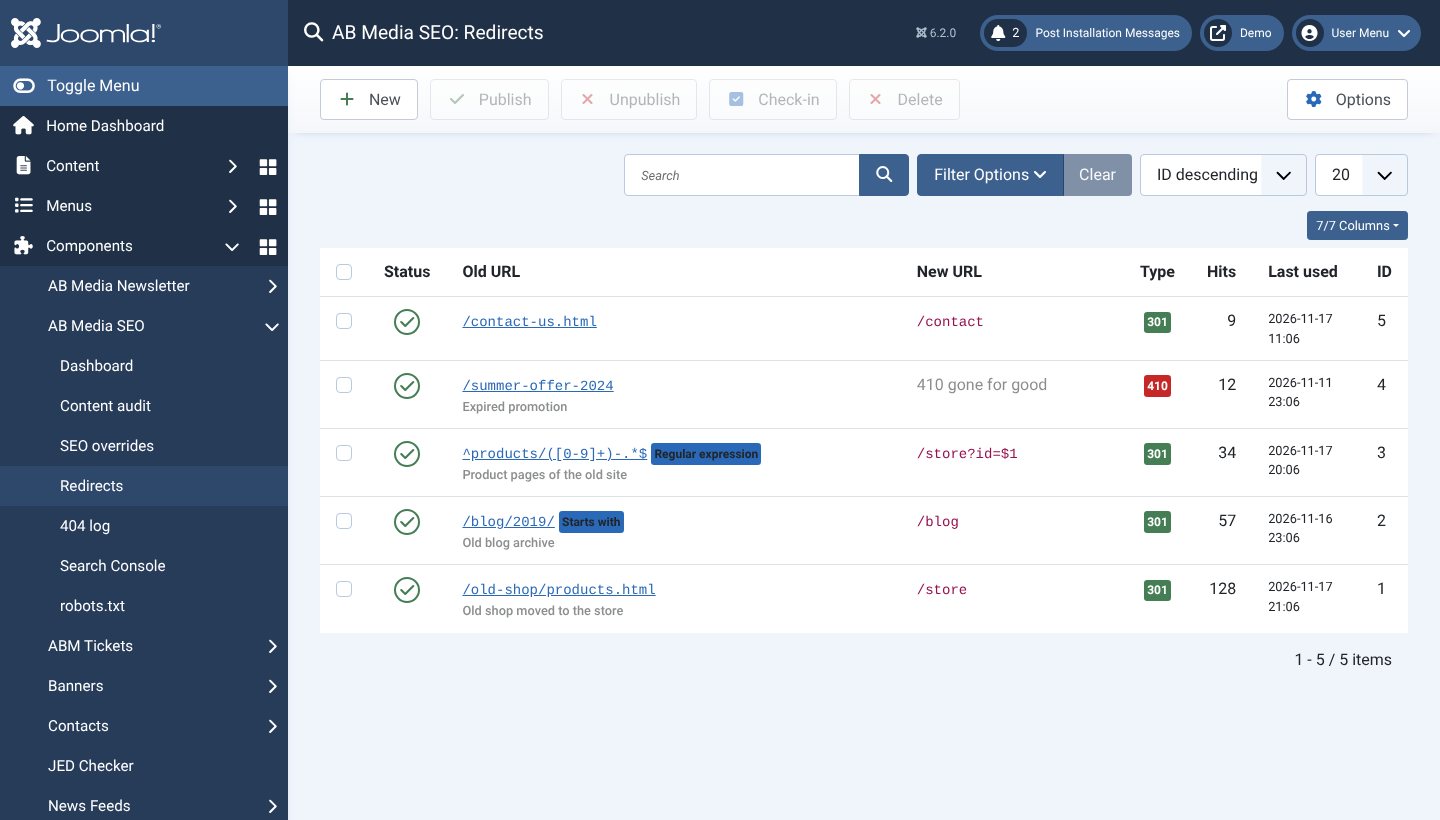
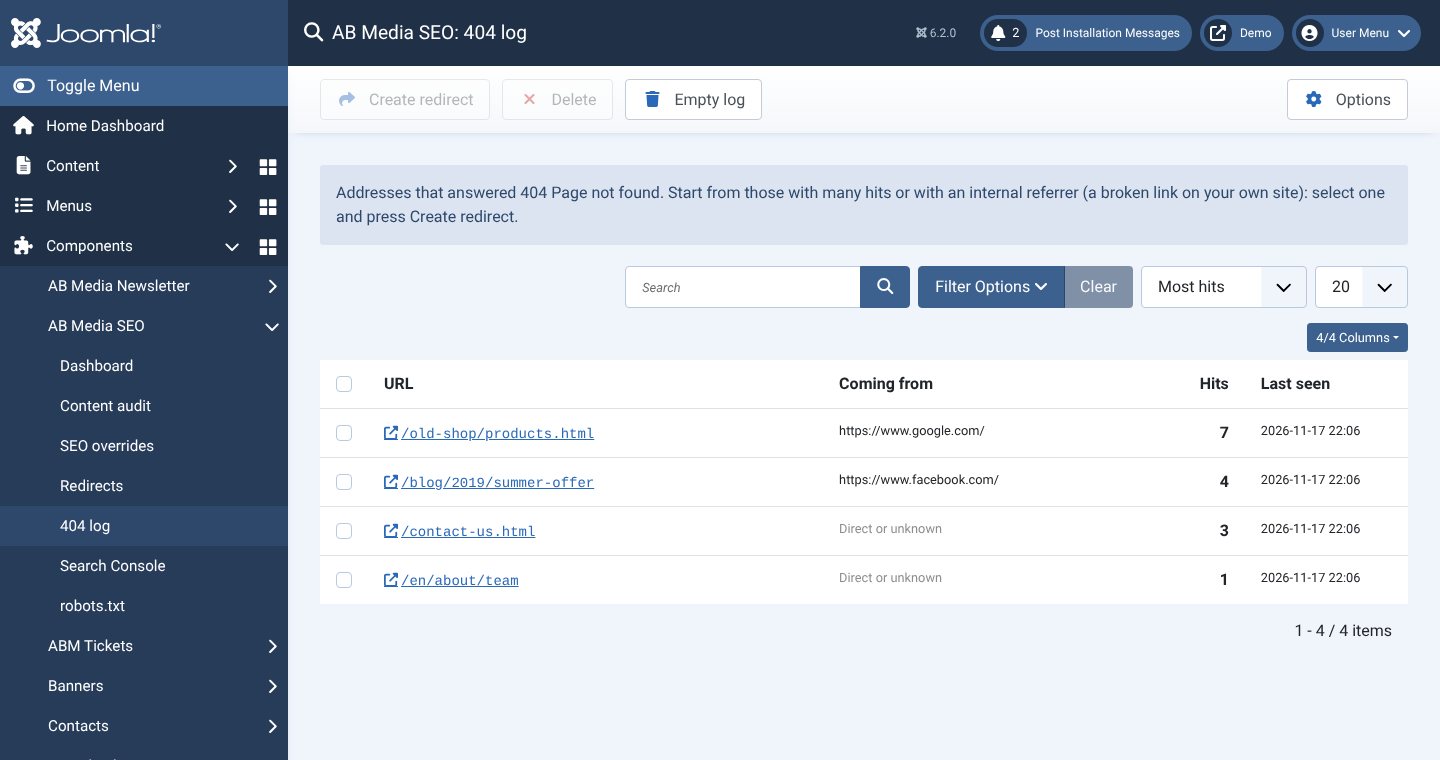
- Redirects with exact, starts with or regular expression rules, 301 or 410, and a 404 log that turns an error into a redirect with one click
- Content audit: a score from 0 to 100 for every article, with the list of problems
- Site health panel that shows what is wrong and fixes it with one click where it can
A closer look
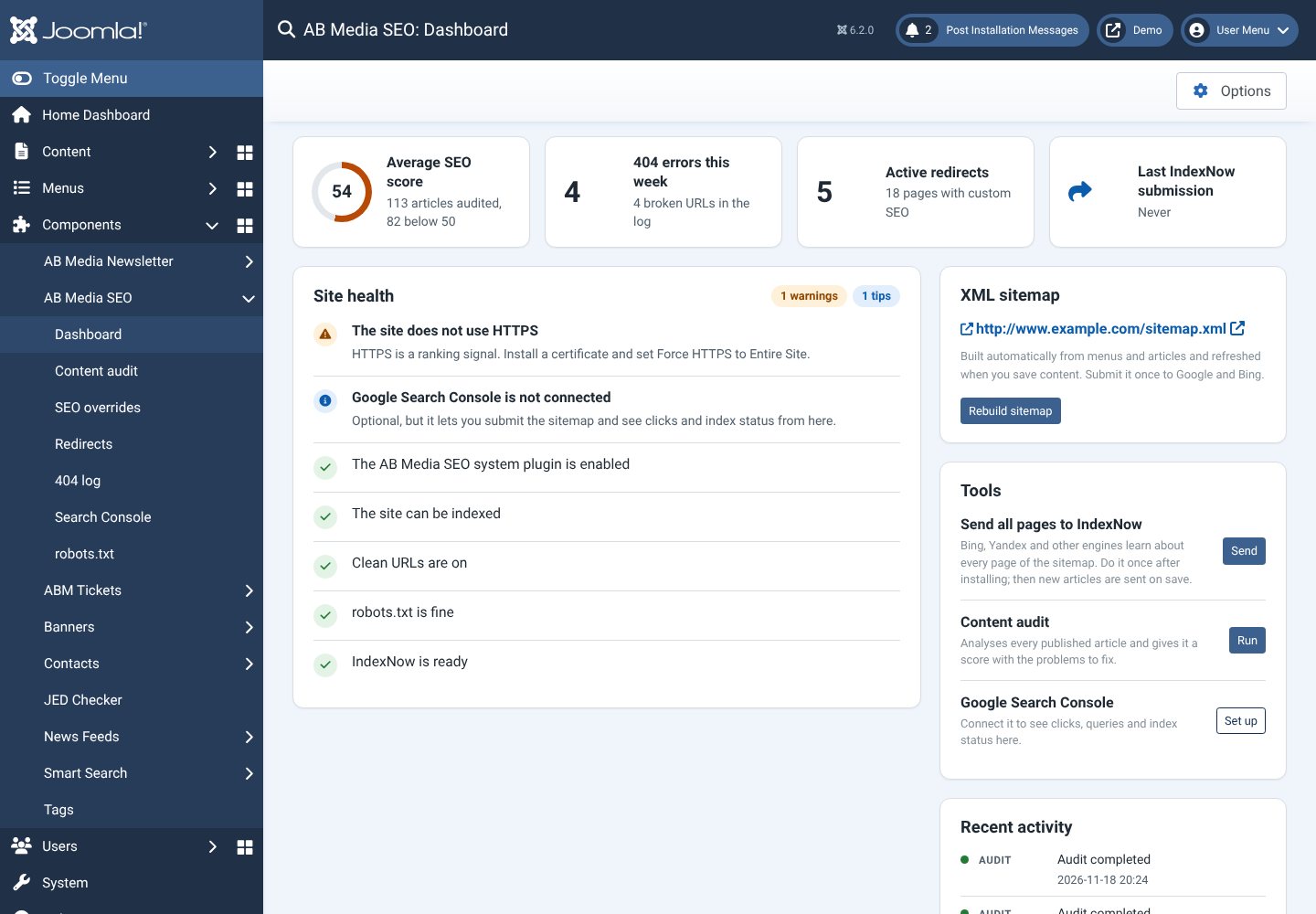
Dashboard and site health
Average score, 404 errors, redirects and a list of what is right and wrong on the site, with the fix for each point.
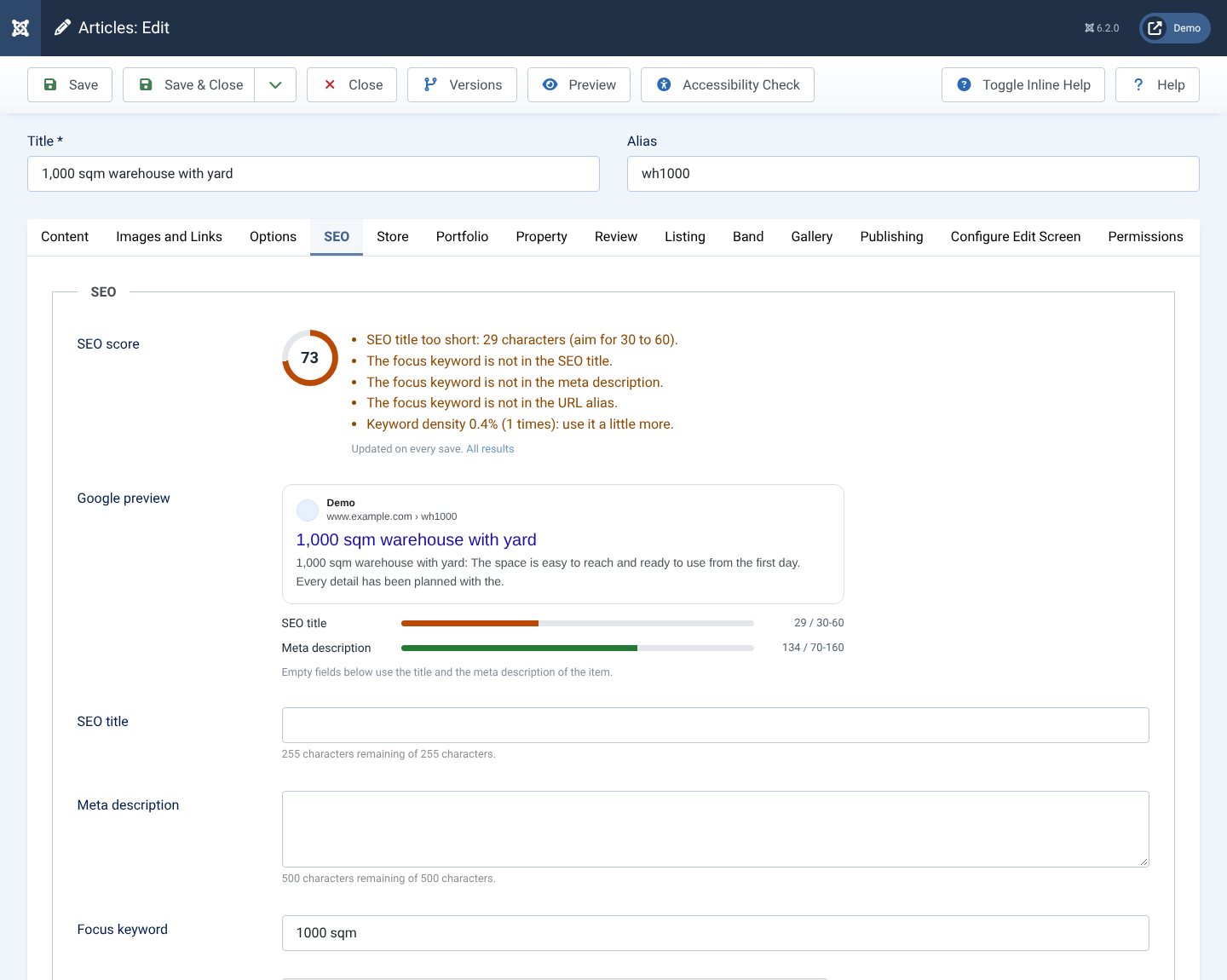
SEO tab in every article
Score and tips, a live Google preview with length bars, and the fields for title, description and keyword.
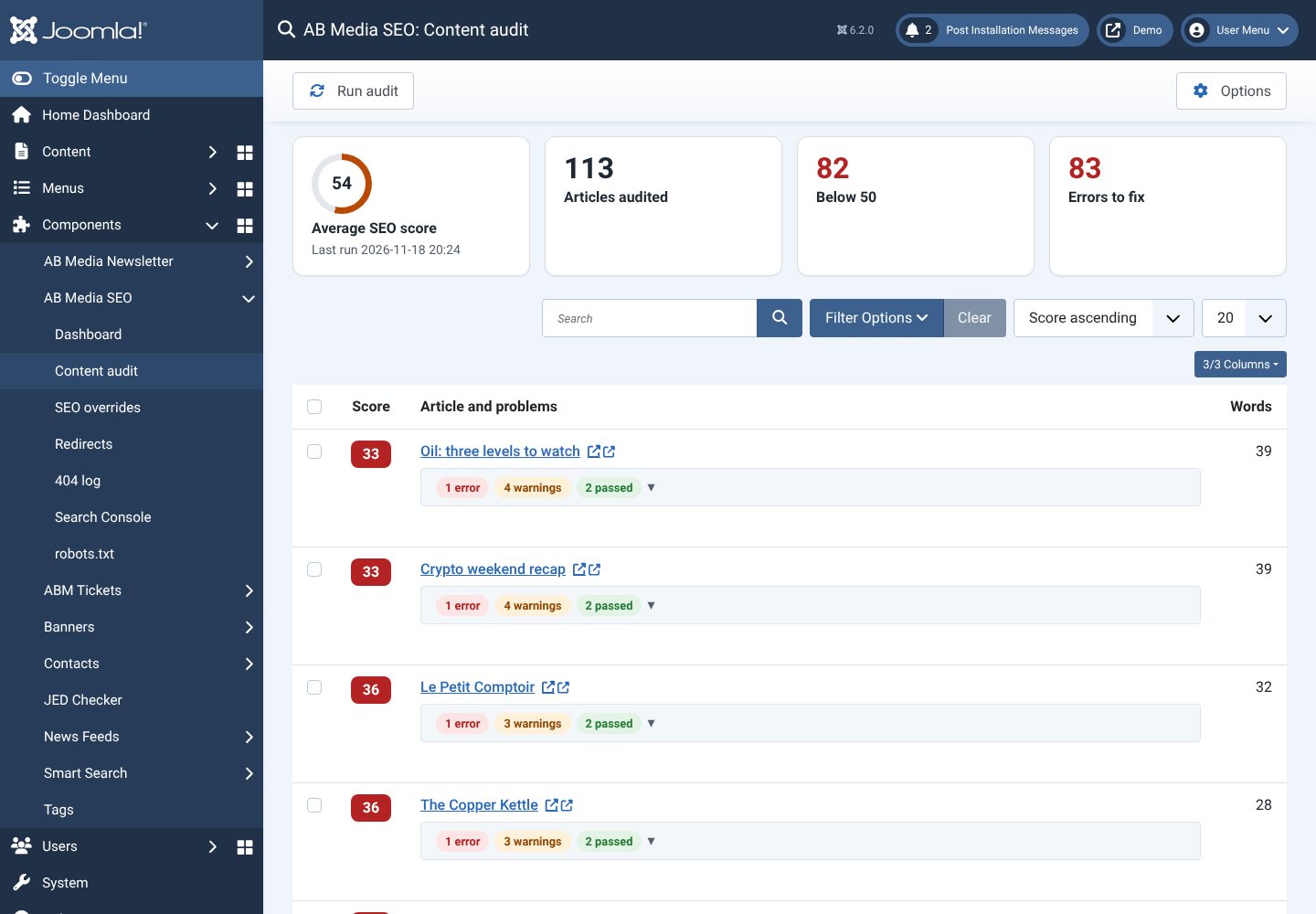
Content audit
Every published article with its score and the problems to fix, from missing descriptions to thin content.
Redirects
Exact, starts with or regular expression rules, 301 or 410 codes, a note and a hit counter.
404 log
The pages people could not find, how many times and where they came from. Select one and press Create redirect.
SEO overrides
Title, description and robots for any page, also pages of other components that have no SEO fields.
Google Search Console
A step by step guide connects it in about ten minutes; then clicks, queries and index status appear in Joomla.
robots.txt
Edit it from the panel, with a recommended template that already links the sitemap.
XML sitemap
Built from menus and articles, refreshed on every save, readable in the browser too.
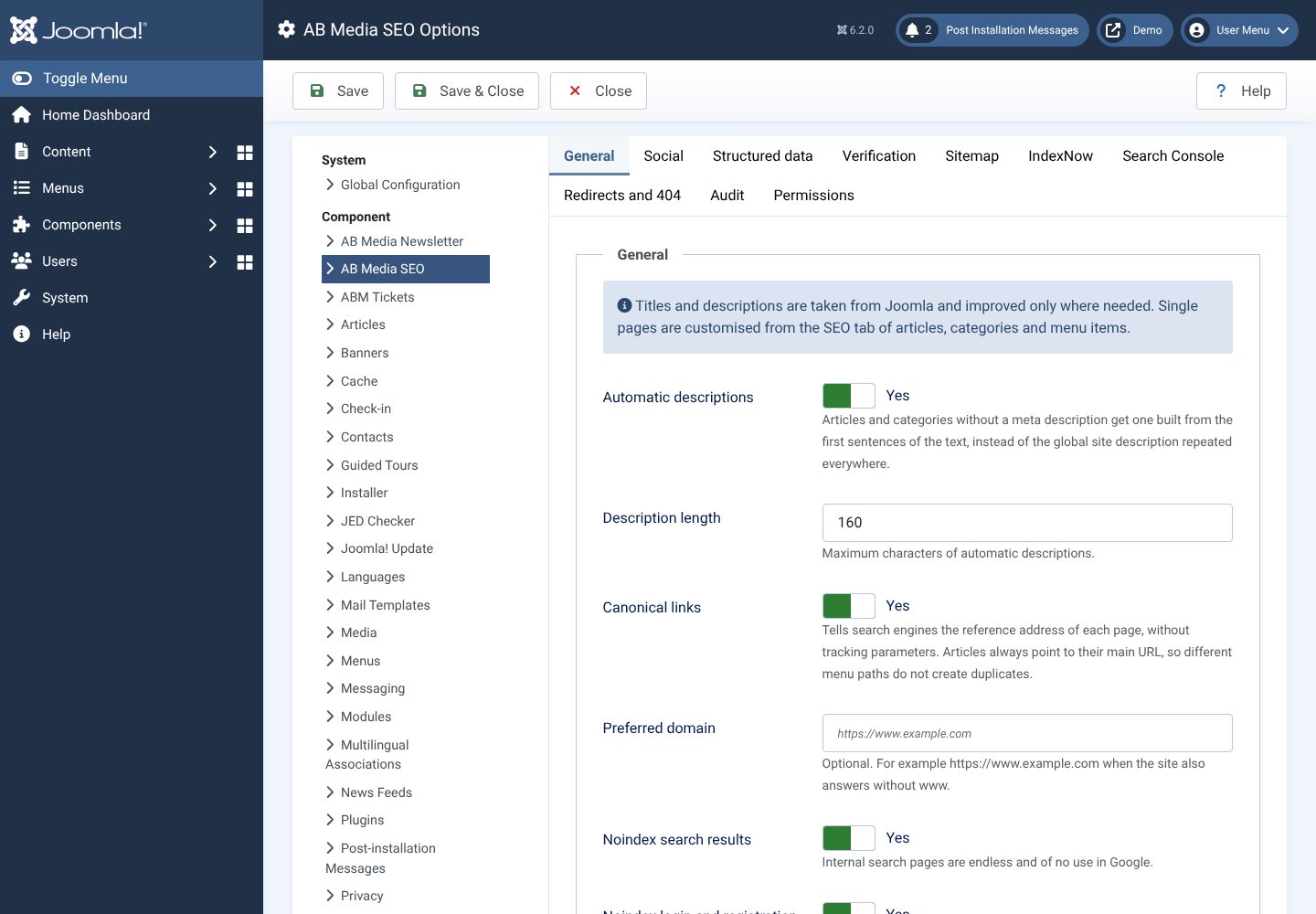
Options
Automatic descriptions, canonical links, social cards, structured data, verification codes, sitemap and IndexNow.
Getting started
Install the package: the system plugin is enabled for you. Open the dashboard and follow the warnings; the first one asks you to turn off the Joomla System - Redirect plugin, so 404 errors are not logged twice. Then click Send all pages to IndexNow and Run audit. For Search Console the component explains step by step how to create the access, about ten minutes, once.
Good to know
Google does not allow asking to index normal pages through its API: the official ways are the sitemap and the URL inspection, and AB Media SEO does both. Bing and the other IndexNow engines are notified instantly. On sites installed in a subfolder, search engines only read the robots.txt in the root of the domain: the panel tells you and gives you the Sitemap line to copy there.
Technical details
- Built for Joomla 6, PHP 8.3 or newer
- A component and a system plugin, installed together in one package
- Works with any template and any language
- Sitemap cached and rebuilt only when content changes, so pages stay fast
- No external service needed; Search Console and IndexNow are optional
- English and Italian language files included
- The credit link in the sitemap page can be switched off in the options
- Licence GNU GPL version 2 or later
What is included
- The AB Media SEO installation package
- Free updates, also automatic from the Joomla panel
- Support via email
Made by AB Media
AB Media SEO is designed and developed by AB Media, a small web studio that builds Joomla sites and extensions. Questions before buying? Write to us: we answer within one working day. www.abmedia.it